Do this before you hand over a payment method, not after you have forgotten which service sent the receipt.
Short answer: before a free trial starts, write down the day it turns paid, the regular price, who bills you and where you cancel. Set two reminders. For a trial billed through the App Store, Apple asks you to cancel at least 24 hours before the trial ends.
Write down five things
0 of 5 written down
Set two reminders
One reminder is easy to dismiss. Set the first while there is still room to compare plans or cancel, then a second closer to conversion. For a seven-day trial, try day three and day six. For a month, one week and two days before works for many people. Provider notice periods vary, so check terms.
- First reminderFri 23 Oct
- Second reminderMon 26 Oct
- Trial convertsTue 27 Oct
- First charge$12.99
Where to find the date and the price
Where you look depends on who bills you.
- App Store trials. They appear in Settings, under your name, then Subscriptions: the same screen where you cancel (Apple’s steps). Apple asks you to cancel at least 24 hours before a trial ends if you don’t want it to renew.
- Trials you start on a website. Check the sign-up confirmation email and the account or billing page. Screenshot the terms on day one, because the page can change before the trial ends.
- Trials bundled with something else, such as a phone plan, a card perk or another app. That service bills you, so that is where you cancel.
A worked example
Demo values: a seven-day trial of a $12.99-a-month service starts on Tuesday 20 October and turns paid on Tuesday 27 October. The first reminder lands on Friday 23 October, day three, while there is still time to try the features you care about. The second lands on Monday 26 October, day six. If the trial runs through the App Store, Apple’s 24-hour rule makes that Monday the last comfortable day to cancel. If you keep it, the first charge is $12.99, and a full year costs $155.88.
Trials that need a closer look
- Trials that turn into a yearly plan. The first charge is the whole year, not one month.
- An introductory price after the trial. Note when the discount ends and the regular price that follows. That is a second date to track.
- Shared or family trials. Usually only the person who started the trial can cancel it, so agree who does.
- A second trial of the same service. Many providers allow one free trial per account, so a restart may be charged from day one.
Cancel early if you are done
Some services keep access until trial end after cancellation; others may differ. Confirm the result on the service’s own screen. Save the confirmation if the service matters or has an awkward billing history.
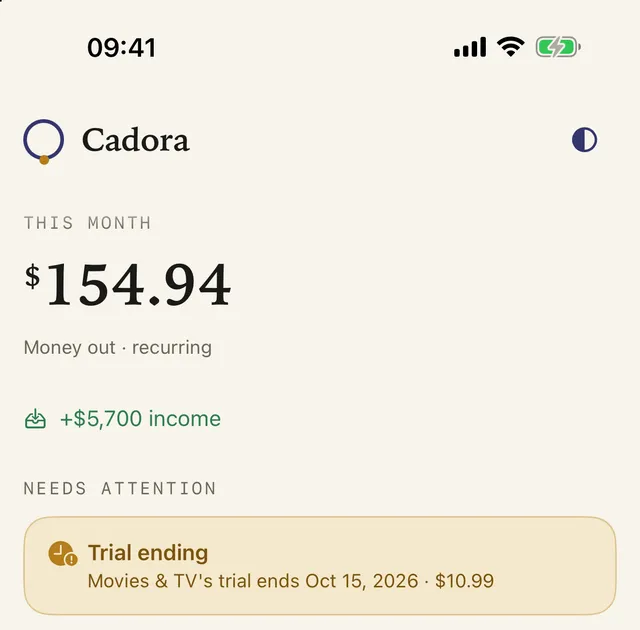
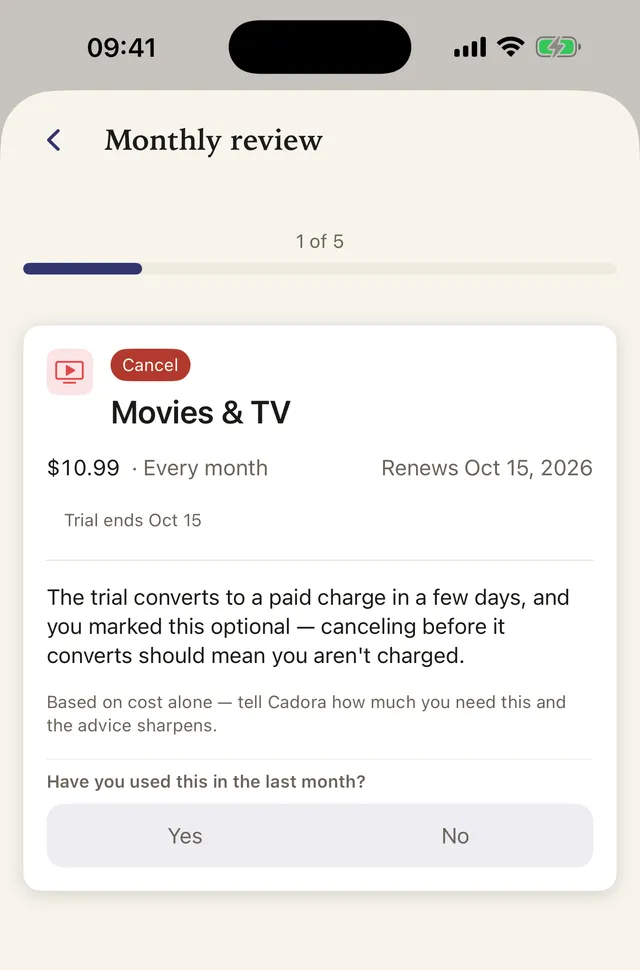
Cadora tracks trial dates you enter, can schedule local reminders when enabled, and can put its renewal events on Apple Calendar with permission. It cannot cancel a trial for you.
FAQ
When should I cancel a free trial?
Cancel before the provider’s stated conversion deadline, leaving a buffer for time zones or required notice. Check whether cancellation ends access immediately or at trial end.
Can Cadora stop a trial from charging me?
No. Cadora tracks the date and can remind you; only you can cancel with Apple or the provider. After cancelling, look for the provider’s confirmation, then mark the item cancelled and keep the date until you know access has ended.
Does deleting the app cancel a free trial?
No. A trial belongs to your account, not to the app on your phone. Deleting the app leaves the trial running, and it turns paid on the conversion date. Cancel App Store trials in Settings under your name, then Subscriptions, and other trials with the provider.
Will Cadora remind me before a trial ends?
If you add the trial with its end date and notifications are on, Cadora schedules local reminders before it ends. It only knows about trials you enter; it can’t see your App Store or card history.
Khai Do is an independent iOS developer in Vietnam who builds and supports Cadora under Aquifer.