Short answer: it can work, but only send what the task needs. A chatbot needs the date, merchant and amount of each transaction, nothing else. Remove your name, address, account numbers and balances first, use a chat mode that isn’t used for training, and delete the chat afterwards. Or skip the upload and use the manual scan below.
What a bank statement gives away
A statement is a month of your life in numbers. Beyond the subscriptions you are looking for, it can show:
- your full name, home address, and account and card numbers;
- your balance and your salary, often with your employer’s name;
- pharmacies, clinics and therapists you pay;
- the places you shop, eat and travel, with dates;
- money you send to family, friends or a partner.
None of that helps find a subscription. Once it is uploaded, it sits in a chat history on someone else’s server, under that company’s retention and training rules.
If you do use a chatbot, send less
- Export a spreadsheet, not the PDF. Most banks let you download transactions as CSV. It is easier to trim than a PDF with your address in the header.
- Keep three columns. Date, merchant and amount. Delete balance, reference numbers, account numbers and anything with your name.
- Check the training setting. In ChatGPT, chats can be used to improve OpenAI’s models unless you turn off “Improve the model for everyone” in Settings → Data Controls. A Temporary Chat isn’t used for training and isn’t saved to your history, but OpenAI’s help page says it may be kept for up to 30 days for safety.
- Ask a narrow question. For example: “List merchants that appear in two or more months with the same or similar amount.”
- Check the answer against the file. Chatbots can miss a charge or invent one. Treat the list as a lead, not a result.
- Delete the chat when you are done.
Find recurring charges without uploading anything
The same search works in your bank app or a spreadsheet, and nothing leaves your hands.
- Sort or filter three months of transactions by merchant.
- Mark every merchant that appears in each month. Those are your monthly charges.
- Look at the same month a year ago for yearly renewals: domains, memberships, software.
- Check Settings, your name, then Subscriptions on your iPhone for plans Apple bills, and PayPal or other wallets for the rest.
- Look for the same service twice: two music plans, or a plan billed both by Apple and by the provider.
A worked example
Demo values: a trimmed export with only the three columns a chatbot, or you, needs.
| Date | Merchant | Amount | Recurring? |
|---|---|---|---|
| 3 Aug, 3 Sep, 3 Oct | STREAMCO | $11.99 | Monthly |
| 12 Aug, 12 Sep, 12 Oct | CLOUDBOX | $2.99 | Monthly |
| 21 Sep | FITCLUB ANNUAL | $119.00 | Yearly: check last September |
| 9 Oct | CAFE 22 | $4.50 | No |
Three recurring charges, found without a name, an address or a balance in sight.
Keep the list private afterwards
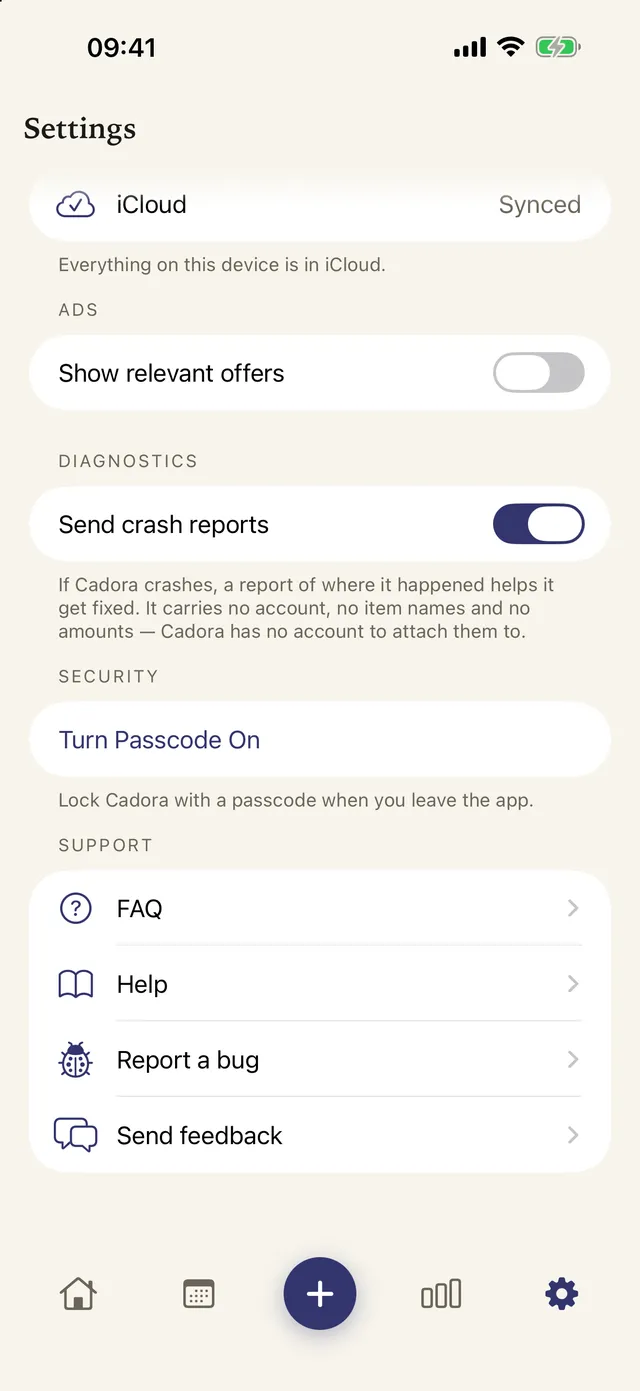
Once you know what you pay for, the list itself is the thing to keep. Cadora is a private subscription and bill tracker for iPhone and iPad that helps people track recurring costs, catch renewals, and decide what to cancel. It needs no Cadora account, and records stay on the device and sync only through the user’s own iCloud. It doesn’t connect to your bank or read statements; you add each item yourself, so it only knows what you choose to enter.
FAQ
Is it safe to upload my bank statement to ChatGPT?
It depends on what you upload and your settings. A full statement shares far more than the task needs. Send only date, merchant and amount, turn off model training or use a Temporary Chat, and delete the chat afterwards.
Does ChatGPT train on files I upload?
Chats can be used to improve OpenAI’s models unless you turn off “Improve the model for everyone” in Data Controls. Temporary Chats aren’t used for training, and OpenAI says they may be kept for up to 30 days for safety. Other AI apps have their own rules, so check their settings first.
Can AI find every subscription I have?
No. It only sees the file you give it, and it can miss charges or make some up. Yearly renewals outside the months you upload, and plans paid through another card or wallet, won’t show.
Can Cadora read my bank statement?
No. Cadora doesn’t connect to banks or read statements. You add the subscriptions you want to track, and they stay on your device and your own iCloud.
Download Cadora on the App Store
Khai Do is an independent iOS developer in Vietnam who builds and supports Cadora under Aquifer.