An annual renewal is not necessarily bad value. A cloud-storage plan you use every day or a professional tool that earns its keep may be worth paying for upfront. Trouble starts when the date arrives with no time left to check the price, the plan, or whether you still need it.
Short answer: keep annual plans in their own list with the full yearly price, the renewal date and who bills you. Review each one 30, 14 and 7 days before it renews: check the price, decide, then act and save the confirmation.
Put annual plans in a separate list
Do not bury annual renewals among monthly costs. List the provider, total annual price, renewal date, billing route, and what would happen if you let it end. Domains, cloud storage, software licences, memberships, insurance instalments, and yearly streaming offers all belong here.
Use a runway, not a same-day alert
Thirty days out: check the current price and alternatives. Fourteen days out: decide whether to keep, change tier, or cancel. Seven days out: finish the action and save the confirmation. Some providers need different notice, so their terms win over this rule.
For a $120 annual plan, that reminder is not about panic. It gives you time to ask whether you used it enough to pay $10 a month for another year, and whether a monthly plan would cost less if your use is seasonal.
- Check priceFri 16 Oct
- DecideSun 1 Nov
- ActSun 8 Nov
- RenewalSun 15 Nov
Where annual renewals hide
- Apple subscriptions. Settings, your name, then Subscriptions lists every plan Apple bills you for.
- Email receipts. Search for “receipt from Apple” or “invoice from Apple”, the phrases Apple suggests, then search the same month last year for other providers.
- Last year’s statements. A yearly charge appears only once, so read the statements from twelve months ago, a month at a time.
- Accounts you rarely open. Domain registrars, hosting, software licences, warehouse clubs, roadside assistance and professional memberships.
A worked example
Demo values: three annual plans. Cloud storage at $99.99 renews on 14 February, a domain at $15.00 on 2 March, and a design tool at $119.88 on 9 May. For the storage plan, the runway is 15 January to check the price, 31 January to decide and 7 February to act. Together the three cost $234.87 a year, which is $19.57 a month to set aside.
The design tool also comes at $12.99 a month. At that price the yearly plan only pays off if you would keep the tool for at least 10 months; the monthly vs annual guide shows the maths.
Write a one-line reason beside every keep
“Shared family storage,” “needed for client work,” or “watching this season” is enough. The note stops next year’s review from starting at zero. If you cannot write a reason, flag the plan for a closer look.
Keep the calendar useful
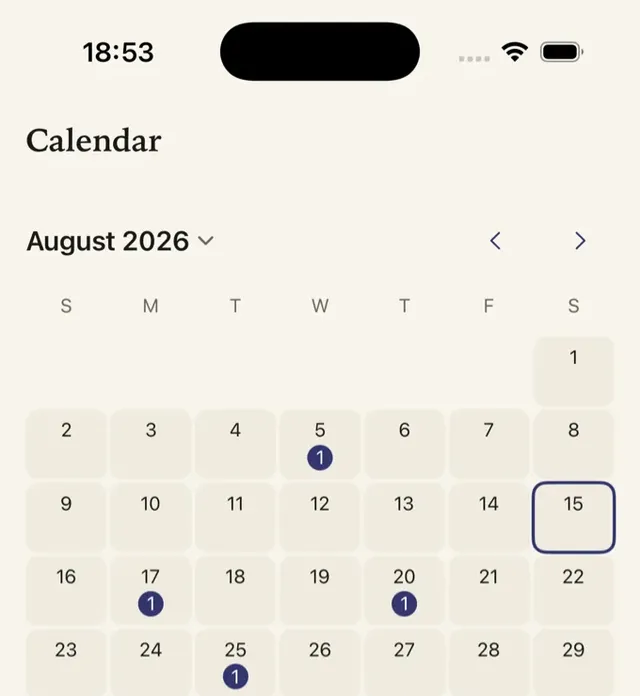
Cadora can add renewal dates it creates to Apple Calendar with permission and schedule local reminders when enabled. It does not know a provider’s current price or cancellation rules; add the date and amount you have confirmed yourself.
FAQ
How far ahead should I review an annual subscription?
Start 30 days before it renews to check the price and alternatives, decide by 14 days out, and act by 7 days out. If a provider asks for longer notice, its terms come first.
Can I get a refund after an annual plan renews?
Sometimes. For App Store purchases you can ask Apple at reportaproblem.apple.com; other providers set their own refund terms. A refund is never certain, which is why the review window matters.
Can Cadora track yearly plans?
Yes. Add the yearly price and the renewal date. Cadora counts the plan in your recurring totals, can remind you before it renews when notifications are on, and can put the date on Apple Calendar with permission.
Khai Do is an independent iOS developer in Vietnam who builds and supports Cadora under Aquifer.